


MUNMeet, for Model UN delegates and organisers
See how it works
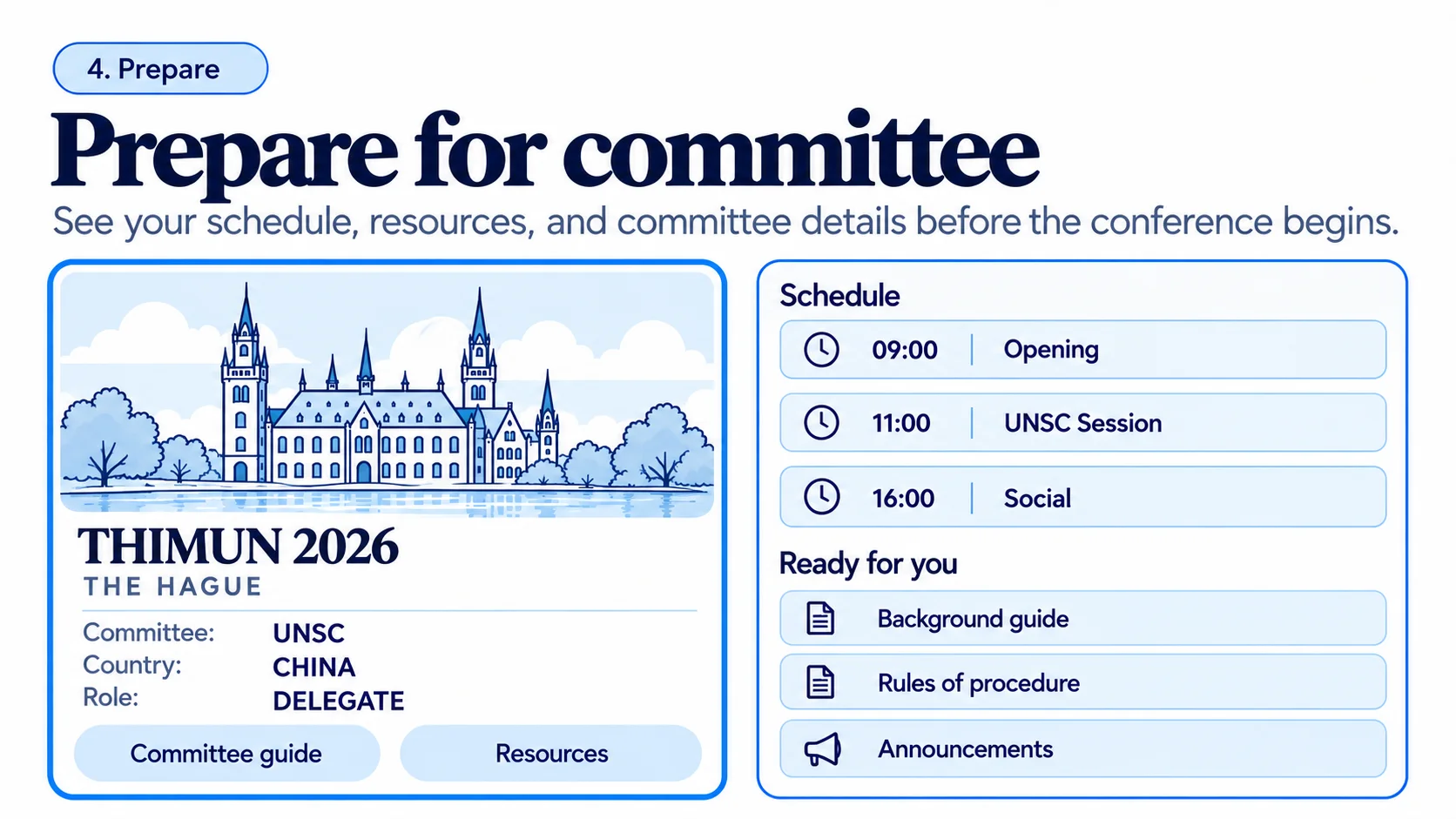
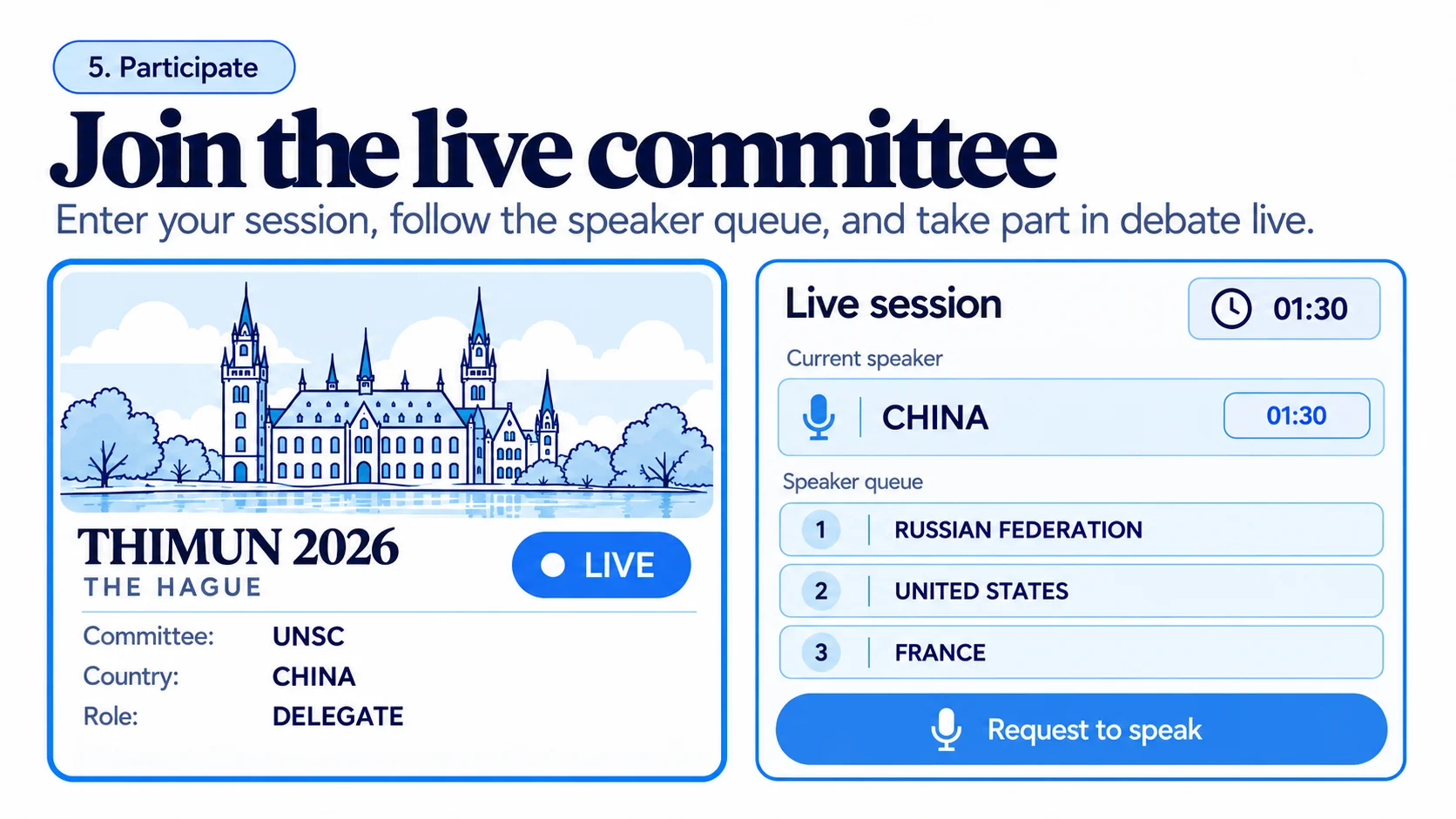
Live sessions
The committee room, live.
The chair's console and every delegate's phone show the same speakers' list and the same clock.
-
Roll call
Present, present and voting, or absent, in one pass.
-
Speakers' list
The chair adds a country; the clock starts when they yield the floor.
-
Motions and votes
Moderated and unmoderated caucuses, counted as they are called.
-
One clock, every screen
What is on the chair's laptop is on every delegate's phone.
An example of the chair's console: the Human Rights Council's speakers' list, with one country holding the floor and its clock counting down.
Human Rights Council
The right to education in emergencies

Has the floor
Kenya
0:24
Speakers' list 1:30 each
- 1
 Brazil
- 2
 Japan
- 3
 Norway
- 4
 India
- 5
 Chile
How it works
From the first application to the final vote.
Six steps in one place. Nothing is copied from one spreadsheet into another.
- 1
Publish
Dates, venue, committees and fees on a public page.
- 2
Apply
Delegates apply with a saved profile and your own questions.
- 3
Review
Accept, reject or waitlist, one or a hundred at a time.
- 4
Allocate
Every seat in every committee on one grid.
- 5
Pay
Delegates pay by card. Invoices mark themselves paid.
- 6
Chair
Roll call, speakers' list, motions, votes and clocks, live.
For delegates
Apply once. Know where you sit.
Every conference you apply to, and everything it tells you, in one account.
-
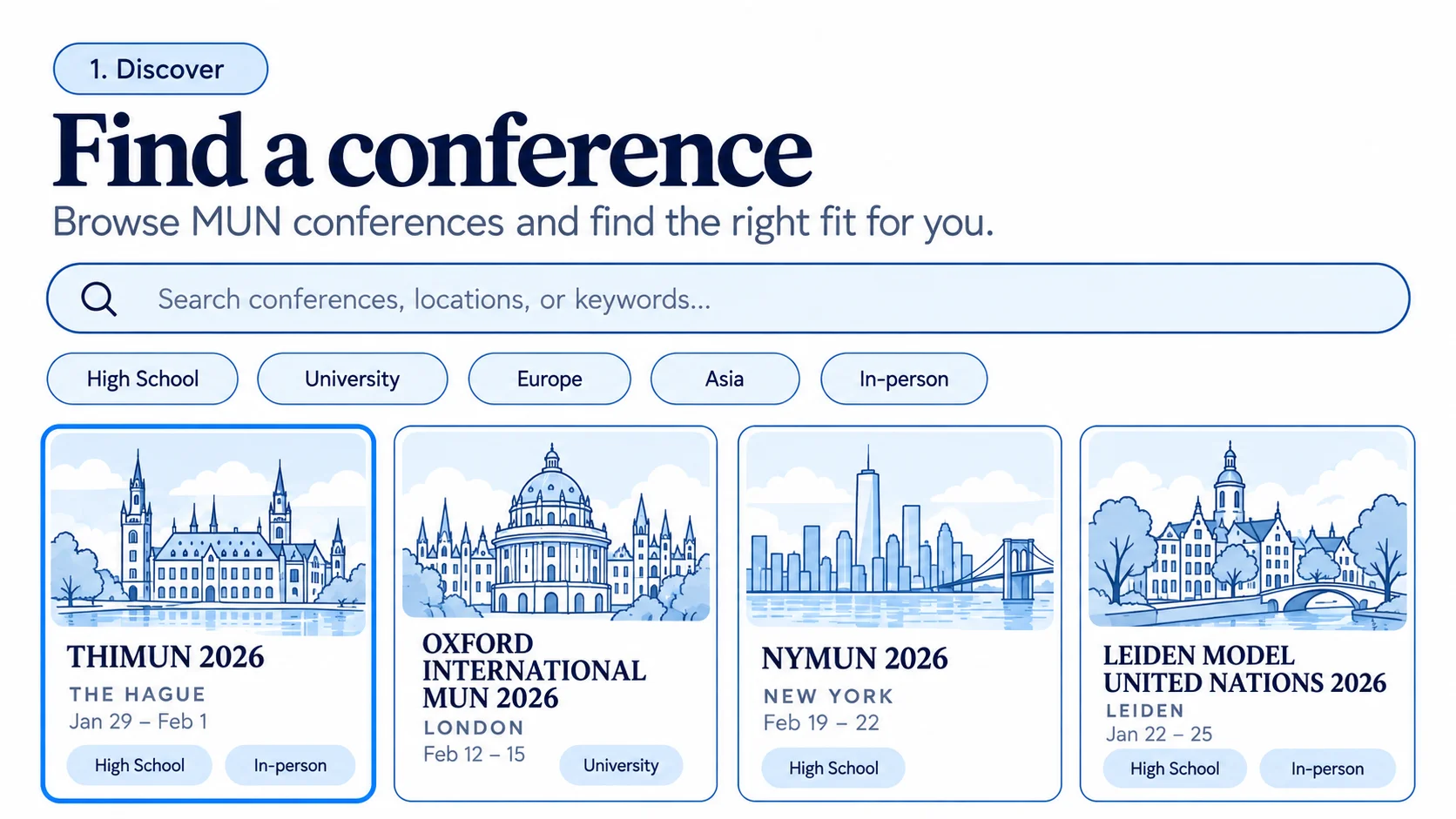
Find a conference
Search by country, level and dates. See which are taking applications.
-
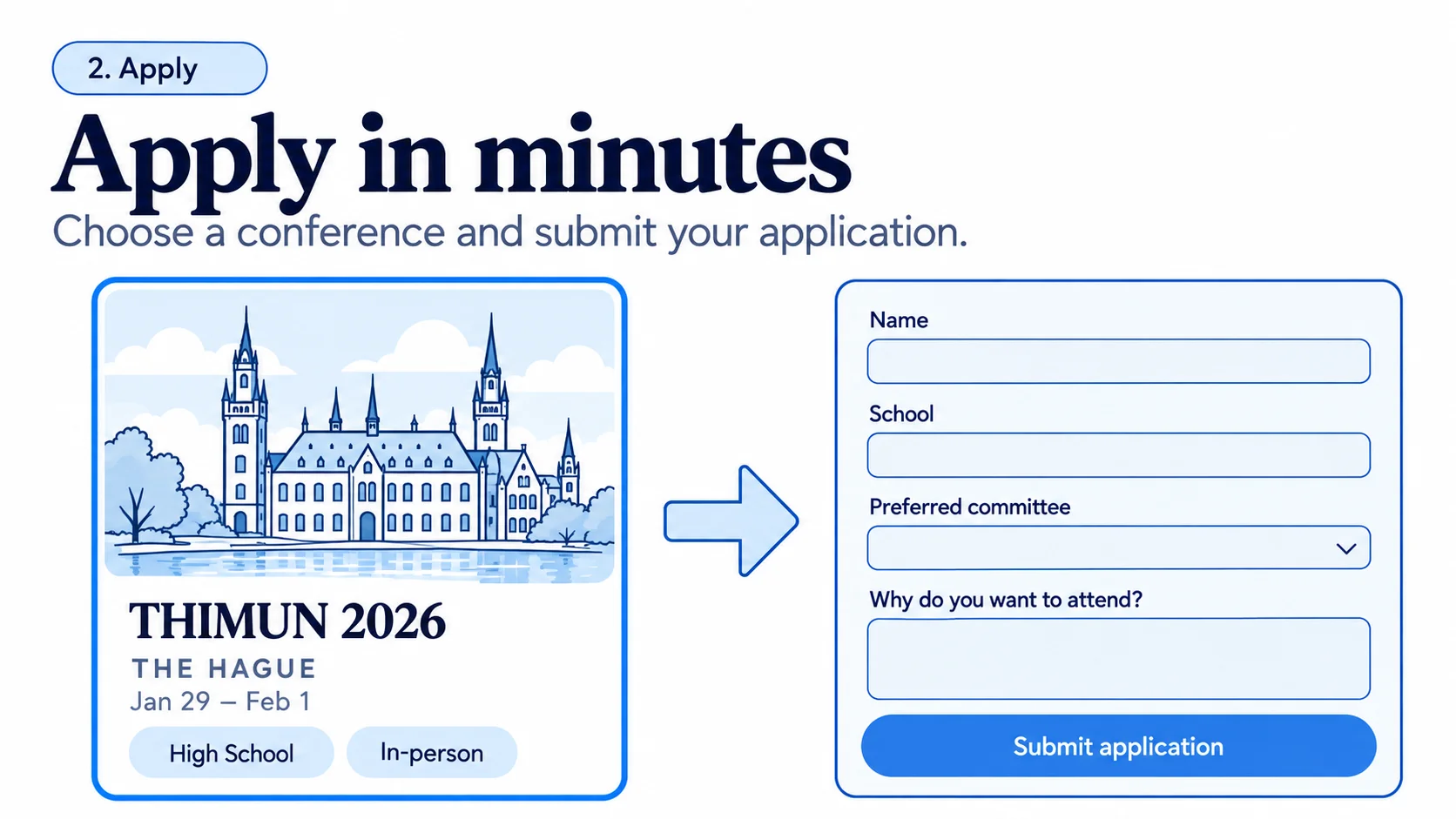
Apply once
Your profile is saved. Each conference only adds its own questions.
-
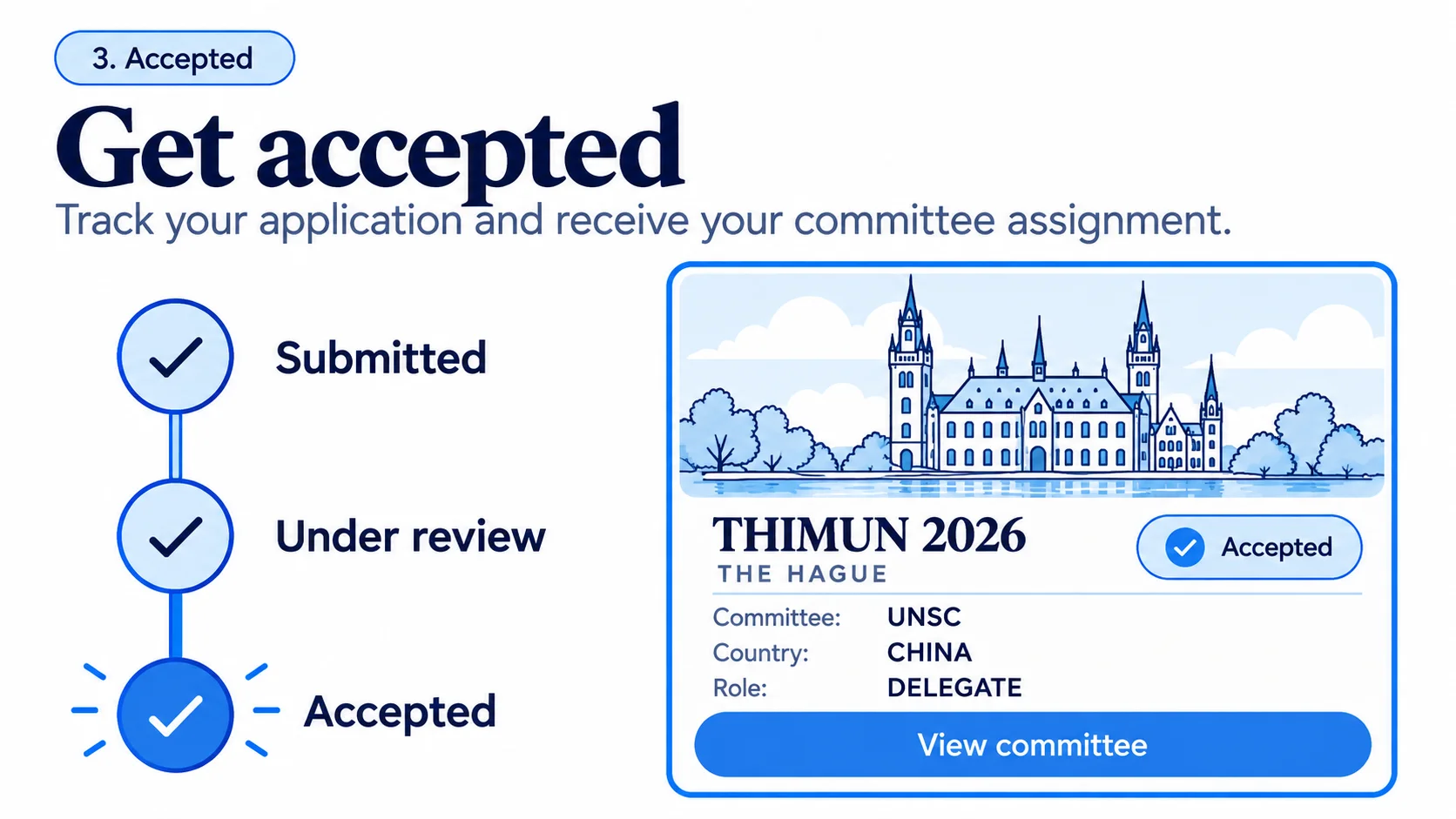
Know where you sit
Your committee, your country and the programme, on your phone.
-
Follow the floor
The speakers' list and the clock, as the chair sees them.
For organisers
Run the whole conference from one place.
From the public page to the final vote, with nothing to export and stitch together.
-
A public page in an afternoon
Dates, venue, committees and fees. Live and searchable.
-
Applications that review themselves
Filter, sort, accept, reject or waitlist.
-
Seat allocation you can see
Every seat free, reserved for a school or filled.
-
Fees by card, invoices done
Connect Stripe once. Refunds are one click.
-
One schedule, one feed
Change a room and everyone is told.
For schools
Bring a whole delegation.
One account for the supervisor, a code for the students, and the seats the organisers allocate you.
Open now
Taking applications now.
Real conferences on MUNMeet that you can apply to today.
 Applications open
Northbridge MUN (applications open)
Northbridge MUN Society
London, United Kingdom
11 – 13 Sept 2027
High school and university · 60+ delegates
View and applyCommittees: ECOSOC Applications open
Vienna University MUN 2027
Sample Europe MUN Network
Vienna, Austria
31 Mar – 3 Apr 2027
University · 250+ delegates
View and applyCommittees: IAEAUNODC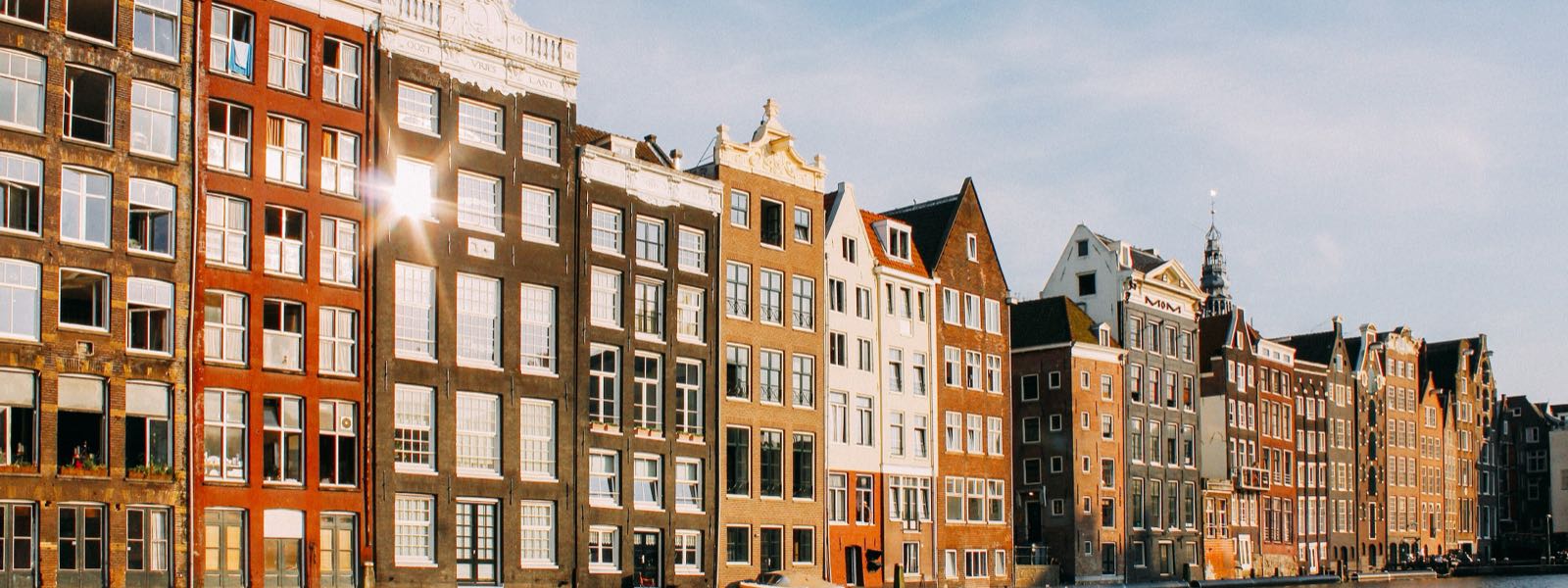 Applications open
Amsterdam Open MUN 2027
Sample Europe MUN Network
Amsterdam, Netherlands
6 – 8 Aug 2027
High school and university · 300+ delegates
View and applyCommittees: UNSCUNHRC+1
The Hague International MUN Junior
Sample Europe MUN Network
The Hague, Netherlands
20 – 22 Dec 2026
High school and university · 200+ delegates
View and applyCommittees: GA1UNICEF
Questions
Good to know before you start.
Ready to be part of something bigger?
Join thousands of students and organisers on MUNMeet.